
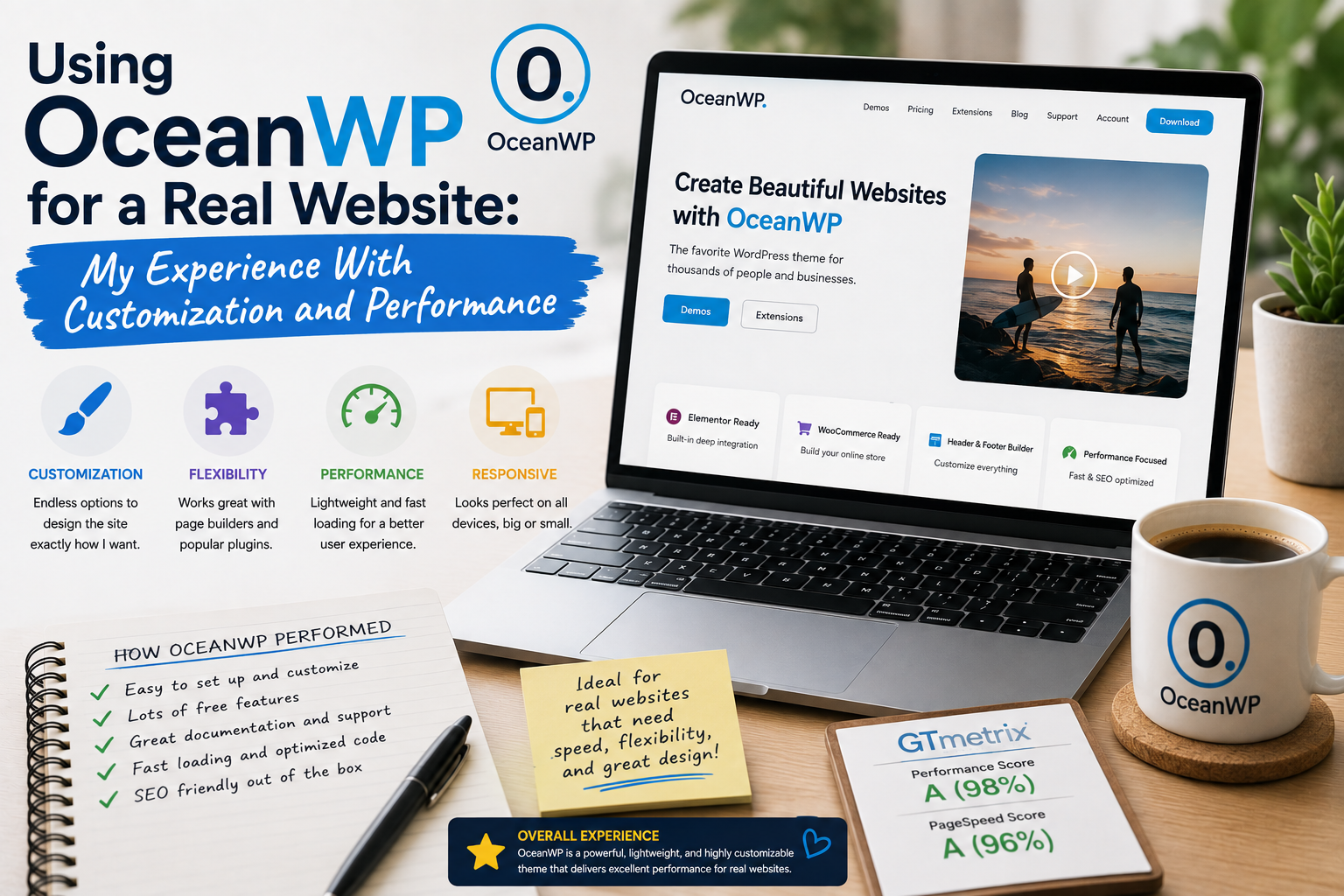
When I decided to try OceanWP on a real WordPress website, I wanted to answer a practical question: Could a flexible WordPress theme make website management easier without sacrificing performance?
I had previously experimented with several themes, so I knew that an impressive demo did not necessarily translate into a comfortable everyday experience.
OceanWP caught my attention because it offers a free core theme with additional premium extensions. Rather than judging it from screenshots, I decided to use it on an actual project and pay attention to customization, usability, responsiveness, and performance.
After spending several weeks with it, I came away with a much clearer idea of where OceanWP works well—and where users need to be careful.
Getting Started With OceanWP
The first thing I appreciated was the relatively simple installation process.
OceanWP is available through the official WordPress Theme Directory, so I could install the free version directly from the WordPress dashboard. The official listing describes OceanWP as a multipurpose theme designed to work with popular page builders and e-commerce solutions.
After activation, I started exploring the customization options.
My first impression was that OceanWP was designed to be flexible rather than tied to one specific type of website.
That appealed to me because I like experimenting with different website structures.
Customization Was a Major Strength
Customization quickly became one of my favorite aspects.
I could adjust typography, colors, layouts, navigation, headers, footers, and other visual elements.
Instead of being forced to accept a fixed design, I could adapt the theme to the content.
This was particularly useful when creating different page types.
A blog article did not need exactly the same visual structure as a landing page or an information page.
OceanWP gave me enough control to make those differences without rebuilding the entire website.
I Learned Not to Change Everything
One of my first mistakes was trying to customize too many things at once.
The theme offered plenty of options, and naturally I wanted to experiment.
After a while, I realized that constant tweaking was slowing me down.
I eventually created a simple design system for the website.
I selected a small number of fonts, colors, spacing rules, and layout styles and tried to use them consistently.
The result looked more professional and was much easier to manage.
This was a useful reminder that customization is valuable only when it improves the website.
Testing the Website on Mobile
Mobile responsiveness was another important part of my experiment.
I checked the website on different screen sizes and paid particular attention to navigation, images, headings, buttons, and content spacing.
The desktop version looked good, but I found that some design decisions needed additional attention on smaller screens.
This is something I now expect from every WordPress theme.
A theme can be advertised as responsive, but your actual content still needs to be tested.
Large images, long headings, tables, and plugins can all produce unexpected results.
Performance Became a Priority
The second major focus was performance.
OceanWP has a reputation for being lightweight and performance-conscious, and its official WordPress listing emphasizes performance and optimization.
However, using the theme on a real website reminded me that performance is never controlled by the theme alone.
My hosting environment, plugins, images, caching, fonts, scripts, and content all affected the final result.
I therefore tried to keep the configuration relatively simple.
Instead of activating every available option, I enabled only what I needed.
That approach helped me maintain a cleaner setup.
The Premium Extensions Were Interesting
OceanWP also has premium extensions that add additional functionality.
I found this approach interesting because it allows users to start with the core theme and add features as their needs grow.
For a simple website, the free version may be enough.
For a more advanced project, additional extensions can provide extra design and functionality options.
This modular approach made more sense to me than paying for dozens of features I might never use.
WooCommerce Compatibility Was Useful
Another feature worth mentioning is WooCommerce compatibility.
For anyone building an online store, the theme’s relationship with WooCommerce can be important.
OceanWP’s official documentation includes WooCommerce-related customization and features.
Even though I was not building a large online store for this particular experiment, I appreciated having the option.
It means the theme can potentially grow with a website rather than being limited to simple content publishing.
Plugin Compatibility Still Needs Testing
My website used several plugins, so compatibility was something I watched closely.
Most of the setup worked as expected, but I learned not to assume that every combination of theme and plugin will behave perfectly.
A WordPress website is a collection of different components.
When one component changes, another can sometimes behave differently.
Before making major theme changes, I therefore recommend creating a backup and testing the new configuration when possible.
What Surprised Me
The biggest surprise was how much the final result depended on my own configuration.
OceanWP gave me plenty of tools, but it did not automatically produce a perfect website.
The quality of the final result still depended on content, images, typography, navigation, spacing, and overall organization.
This reinforced an important lesson I had learned from other WordPress projects:
A theme provides the foundation, but the website owner determines how well that foundation is used.
What I Would Improve
If I were starting the project again, I would plan the design before opening the customization panel.
I would decide on:
- Primary and secondary fonts
- Color palette
- Content width
- Navigation structure
- Heading hierarchy
- Mobile layout
- Homepage sections
Having those decisions made beforehand would reduce unnecessary experimentation.
I would also continue monitoring performance after adding new plugins and content.
Where to Download OceanWP
If you want to try OceanWP, I recommend downloading the free version from the official WordPress Theme Directory.
Download OceanWP from WordPress.org
For premium extensions and additional features, use the official OceanWP website.
Get OceanWP Premium Extensions
I strongly recommend avoiding unofficial, cracked, or “nulled” theme packages. Apart from licensing issues, modified WordPress files can introduce security and maintenance problems.
Final Verdict
After using OceanWP on a real website, I can understand why it appeals to people who want flexibility without immediately committing to a completely premium theme.
Its strongest points for me were customization, flexibility, responsive design options, and the ability to extend the theme when additional functionality is needed.
The main challenge was learning how to avoid unnecessary customization.
There is always a temptation to change everything simply because the controls are available.
I found that the best results came from keeping the design simple and consistent.