
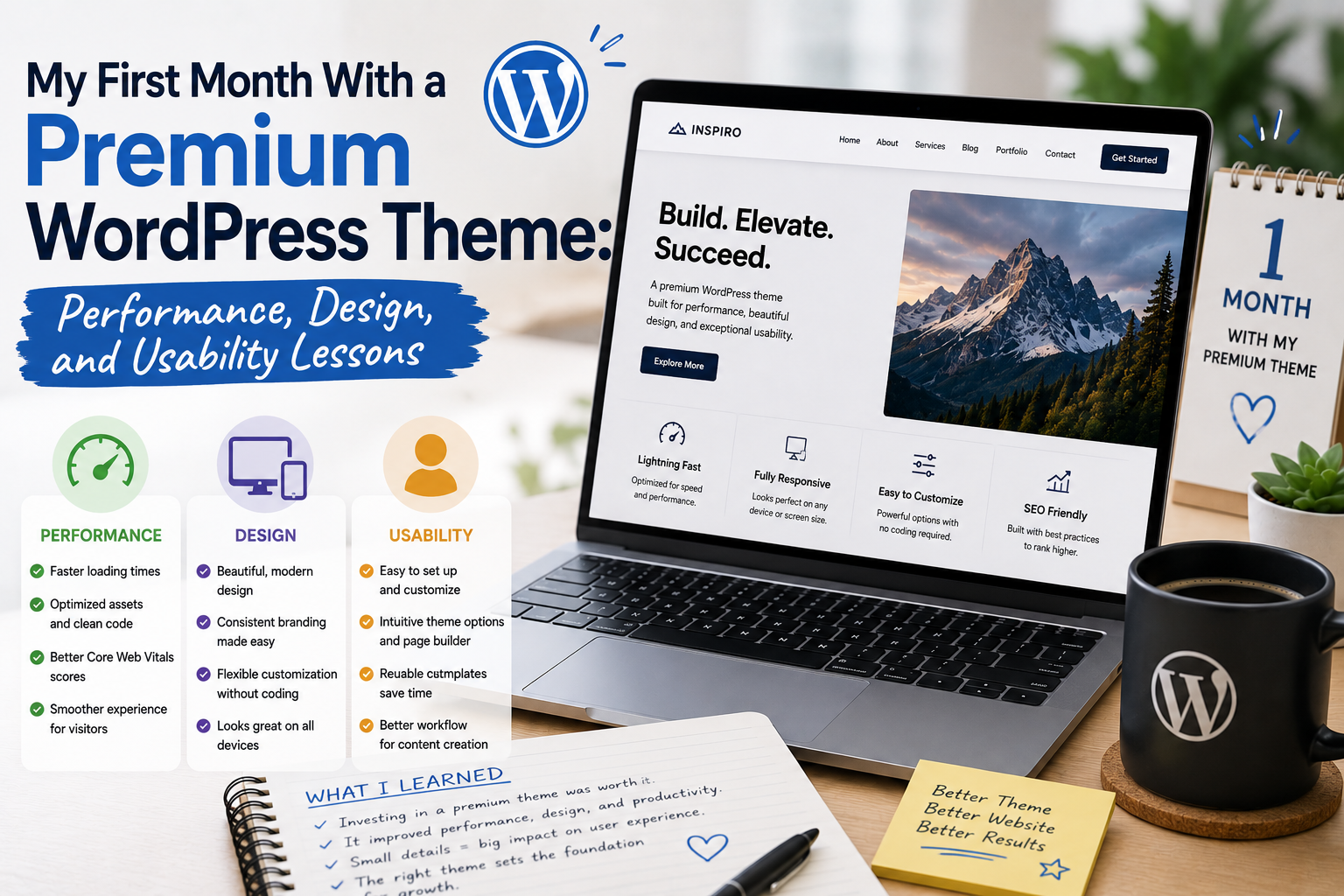
When I decided to try a premium WordPress theme, I expected the biggest difference to be visual. I imagined a more polished homepage, better typography, and more customization options.
After using one for an entire month, I realized that the real test was not how impressive the theme looked on installation day. It was how well it performed during everyday website management.
My first month turned into a useful experiment involving design, performance, usability, customization, and maintenance.
Why I Chose a Premium Theme
My previous free theme had served me reasonably well, but I wanted more flexibility.
I wanted greater control over page layouts, headers, menus, typography, and other visual elements. I also wanted to spend less time looking for workarounds whenever I needed to make a design adjustment.
Before choosing the premium theme, I compared several options.
Instead of selecting one simply because its demo looked attractive, I considered documentation, customization features, compatibility, updates, and overall usability.
That decision made the transition much easier.
Week One: Getting Used to the Interface
The first week was mostly about exploration.
The theme had considerably more settings than my previous theme.
At first, I was excited about all the possibilities.
I could modify typography, colors, layouts, navigation, headers, footers, and other parts of the website.
But I quickly discovered that having many options can also be overwhelming.
I spent too much time experimenting with settings that I eventually decided not to use.
By the end of the first week, I had learned an important lesson: customization is useful when it solves a problem, not when it simply provides more buttons to click.
The Design Improvements Were Noticeable
The visual improvements became obvious once I finished configuring the theme.
The typography felt more consistent, the spacing looked cleaner, and the overall structure was easier to organize.
I especially liked being able to create a consistent visual hierarchy between headings, paragraphs, menus, and other elements.
The website did not suddenly become perfect, but it felt more polished.
That distinction matters.
A premium theme does not replace good content or thoughtful website organization.
It simply gives you a better set of tools for presenting them.
Week Two: Testing Mobile Usability
During the second week, I focused more heavily on mobile devices.
This was important because a large portion of modern web browsing happens on smartphones.
I checked menus, headings, images, buttons, columns, and content spacing on smaller screens.
The theme handled responsive layouts reasonably well, but I still had to adjust some elements.
This taught me that responsive design is not something a website owner should simply assume.
Even when a theme advertises mobile compatibility, it is worth testing your actual content.
Different images, headings, tables, and plugins can behave differently.
Performance Was More Complicated
The third week focused on performance.
This was where my expectations changed the most.
I had initially assumed that paying for a premium theme would automatically mean better performance.
That was not necessarily true.
A theme is only one part of a website’s performance.
Hosting, plugins, images, caching, scripts, databases, and configuration can all contribute to how quickly a website loads.
I therefore became more interested in keeping the theme configuration simple.
I removed unnecessary elements and avoided activating features I did not actually need.
The result was a cleaner website and a more manageable setup.
Plugin Compatibility Mattered
Another part of my first month involved testing the plugins already installed on my website.
Most worked normally, but changing themes reminded me how interconnected a WordPress website can be.
Themes and plugins can influence layouts and functionality in different ways.
This reinforced one of my favorite website-management habits: create a backup before making significant changes.
It is much easier to experiment when you know you have a recovery option.
Customization Became Easier
By the fourth week, I had become comfortable with the theme’s customization system.
This was probably the biggest practical benefit.
I could make design changes more quickly than before.
Changing fonts, adjusting layouts, modifying navigation, and refining page elements no longer required as much trial and error.
Modern WordPress also provides block-based editing capabilities, with block themes supporting tools such as the Site Editor and global style controls.
The ability to make visual changes without constantly editing code was valuable for my workflow.
What Surprised Me Most
The biggest surprise was that the premium price did not automatically solve every problem.
I still needed to optimize images.
I still needed to maintain plugins.
I still needed to organize content.
I still needed to test mobile layouts.
I still needed to monitor performance.
The theme provided useful tools, but it did not eliminate the responsibilities of website management.
That was actually a valuable realization.
What I Loved
After one month, several features stood out.
Customization was probably my favorite.
Typography controls helped improve readability.
Flexible layouts made content organization easier.
Responsive design helped create a better mobile experience.
Documentation made learning the theme faster.
Regular updates also gave me more confidence in continuing to use the theme.
WordPress supports updating installed themes when updates are available from their authors.
What I Did Not Need
Interestingly, I did not use every feature included with the theme.
Some advanced widgets and decorative elements were unnecessary for my website.
This reinforced something I had learned while testing other themes: more features do not automatically mean more value.
The features I used every day were much more important than the features I tried once.
Where to Download WordPress Themes
If you are looking for a free WordPress theme, the official WordPress Theme Directory is a good place to start.
Download WordPress Themes from WordPress.org
For premium themes, I recommend downloading directly from the theme developer or an authorized marketplace where you purchased the license.
I would avoid unofficial, cracked, or “nulled” themes. Apart from licensing concerns, modified theme files can create security and maintenance risks.