
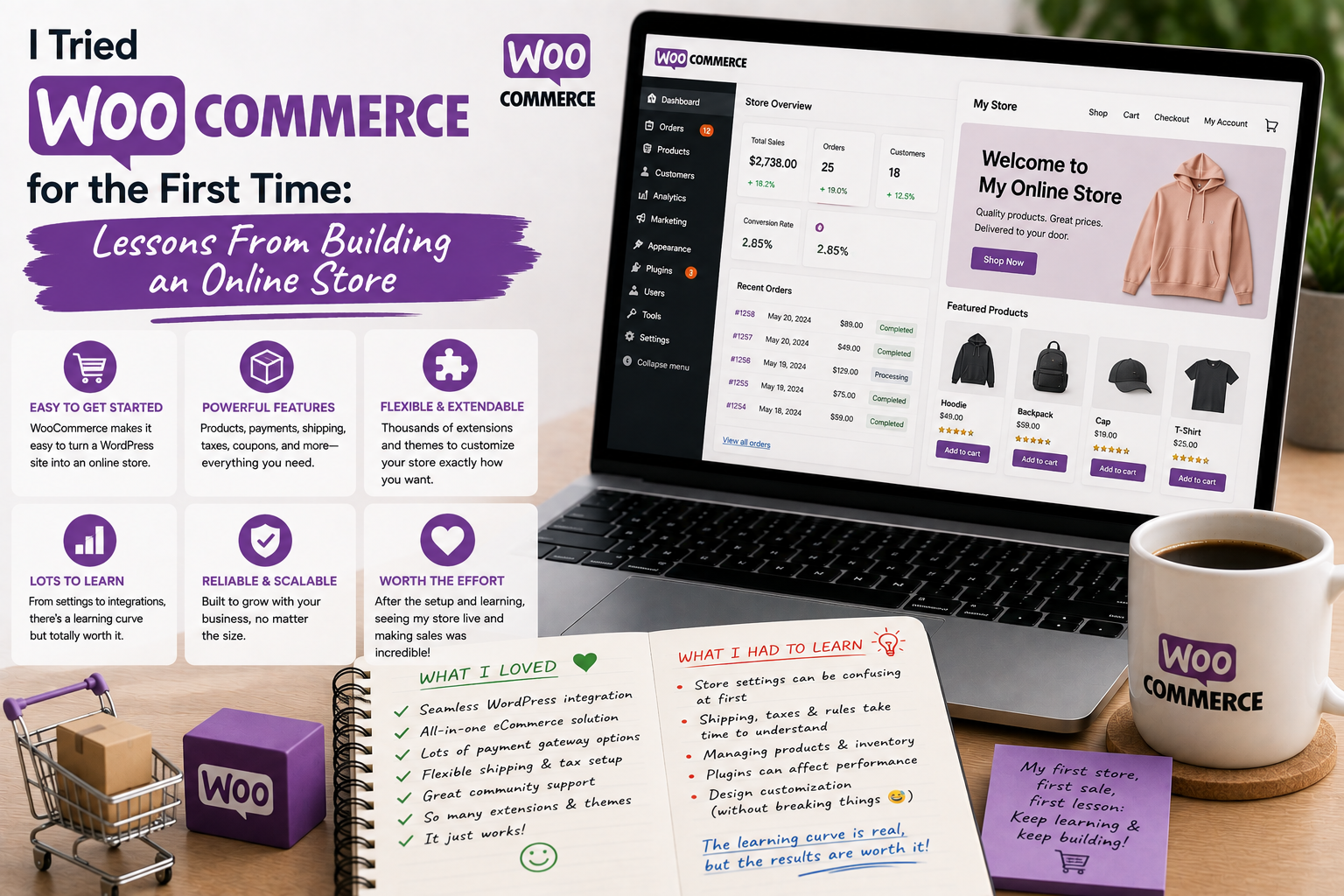
I had used WordPress for years, mostly for publishing articles and managing content, but building a complete online store was a different experience. When I decided to try WooCommerce for the first time, I expected the installation to be the difficult part.
It turned out that installation was probably the easiest part.
The real learning experience came from configuring products, payments, shipping, checkout, inventory, and the customer experience. After spending time building and testing a store, I came away with several lessons that I wish I had known before starting.
Why I Chose WooCommerce
I wanted to turn an existing WordPress website into a simple online store without moving everything to a completely different platform.
WooCommerce seemed like a natural option because it is designed specifically for adding e-commerce functionality to WordPress. The official WooCommerce website describes it as an open-source commerce platform built on WordPress.
That combination was attractive to me.
I was already familiar with WordPress, so I hoped the transition would feel relatively comfortable.
Installation Was Easier Than Expected
The initial installation was straightforward.
I installed the WooCommerce plugin through the WordPress dashboard and started working through the setup process.
The setup wizard introduced me to some of the basic store requirements, including products, payments, shipping, and other settings.
At this stage, I was optimistic.
Then I started configuring the actual store.
That’s when I realized that running an online shop involves considerably more decisions than simply adding a “Buy Now” button.
Creating My First Product
Adding the first product was surprisingly satisfying.
I entered the product name, description, price, images, and other information.
WooCommerce supports different product types and provides options for managing inventory, shipping, variations, and other details.
My first product was relatively simple, so the process was not difficult.
But I soon realized that product information needs to be much more complete than I initially expected.
Customers need to understand exactly what they are purchasing.
Good images, clear descriptions, accurate prices, and useful product information became priorities.
I Learned That Product Organization Matters
As I added more products, categories and organization became increasingly important.
It is easy to create products one by one without thinking about the bigger structure.
That approach quickly becomes messy.
I started planning categories, tags, attributes, and product variations before adding large numbers of products.
This made the store easier to navigate.
The lesson was simple: organize the store before it becomes difficult to reorganize.
Checkout Was the Most Important Test
Once I had several products ready, I tested the checkout process.
This was probably the most important part of the entire experiment.
I wanted to know how a customer would experience the store from beginning to end.
Could they find a product?
Could they understand the price?
Could they add it to the cart?
Could they select shipping?
Could they complete payment?
Could they understand what happened after placing the order?
Thinking like a customer revealed several things I would not have noticed while working inside the WordPress dashboard.
Payment Configuration Required Care
Payment settings were another area where I slowed down.
An online store needs a reliable way to receive payments, but available payment methods vary by country, currency, business model, and payment provider.
WooCommerce itself provides the store infrastructure, while payment gateways can be added depending on the merchant’s requirements.
I learned that payment configuration should never be treated as a quick checkbox exercise.
It should be tested carefully before a store is opened to the public.
Shipping Was More Complicated
Shipping was another surprise.
I initially thought I only needed to enter a shipping price.
In reality, shipping can involve regions, delivery methods, package sizes, weights, free-shipping thresholds, and different customer requirements.
Even a small store can have complicated shipping rules.
My advice after this experience is to define shipping policies before configuring the technical settings.
Once I knew what I actually wanted to offer customers, configuring the store became much easier.
I Started Paying Attention to Mobile Users
Another important lesson was mobile usability.
I tested the store using a smartphone rather than relying only on a desktop browser.
Product images, buttons, menus, cart pages, and checkout fields all needed to be comfortable on a smaller screen.
This changed how I evaluated the website.
A store might look beautiful on a desktop but still be frustrating to use on a phone.
For an online business, that is a problem worth addressing early.
Plugins Can Make Things Powerful—and Complicated
One of WooCommerce’s biggest strengths is its ecosystem.
There are extensions and plugins for payments, shipping, subscriptions, memberships, marketing, analytics, product management, and many other functions.
But I quickly learned that adding plugins simply because they exist is not a good strategy.
Every additional plugin can introduce another setting, update requirement, or potential compatibility issue.
I therefore tried to keep the store’s plugin collection focused on actual business needs.
Performance Still Matters
Building an online store also made me more conscious of website performance.
Product images can be large.
Stores can contain numerous scripts and plugins.
Shopping carts and checkout systems may require additional functionality.
I learned that performance needs to be considered from the beginning.
Optimized images, appropriate hosting, a well-configured theme, caching where appropriate, and careful plugin selection can all contribute to a better experience.
Security Became More Important
A store handles more sensitive information than a basic content website.
That made security a much higher priority for me.
I made sure WordPress, WooCommerce, themes, and plugins were kept updated.
I also used strong administrator credentials and avoided downloading plugins from questionable sources.
Regular backups became another essential part of my routine.
The more important the website becomes, the more important its recovery plan becomes.
What Surprised Me Most
The biggest surprise was that building the store was only half the job.
The other half was thinking about the customer journey.
I had to consider product descriptions, navigation, checkout, shipping, payment options, order notifications, mobile usability, returns, and customer support.
WooCommerce gave me the technical foundation, but it did not make those business decisions for me.
That was an important realization.
What I Would Do Differently
If I were starting again, I would plan the store before installing dozens of extensions.
I would decide:
- What products I am selling
- Who the customers are
- Which payment methods I need
- Where products can be shipped
- What shipping options are available
- What the return policy should be
- How products will be organized
- Which plugins are genuinely necessary
That planning would make the technical setup much more efficient.
Where to Download WooCommerce
If you want to try WooCommerce, I recommend downloading it from the official WordPress Plugin Directory:
Download WooCommerce from WordPress.org
You can also learn more about the platform and its extensions through the official WooCommerce website:
Visit the Official WooCommerce Website
I strongly recommend avoiding cracked, nulled, or unofficial WooCommerce extensions. E-commerce websites require particular attention to security, so using modified software from unknown sources is an unnecessary risk.
Final Thoughts
My first experience with WooCommerce taught me that creating an online store is not simply a technical project.
It is a combination of technology, organization, customer experience, and business planning.
The plugin made it possible to transform a WordPress website into an e-commerce platform, but I still had to make important decisions about products, payments, shipping, security, performance, and customer service.
The biggest lesson was this:
Building the store is only the beginning. Creating a store that customers can comfortably and confidently use is the real challenge.
WooCommerce gave me the flexibility I was looking for, especially because I was already comfortable with WordPress.
At the same time, its flexibility meant that I had to make more decisions than I initially expected.
If you are thinking about building your first WooCommerce store, my advice is to start small.
Create a few products.
Test the complete checkout process.
Try the website on a smartphone.
Test payments and shipping carefully.
Review every customer-facing page.
Then expand gradually.
That approach made the learning process much less intimidating and helped me understand what actually matters when turning a WordPress website into a functioning online store.