
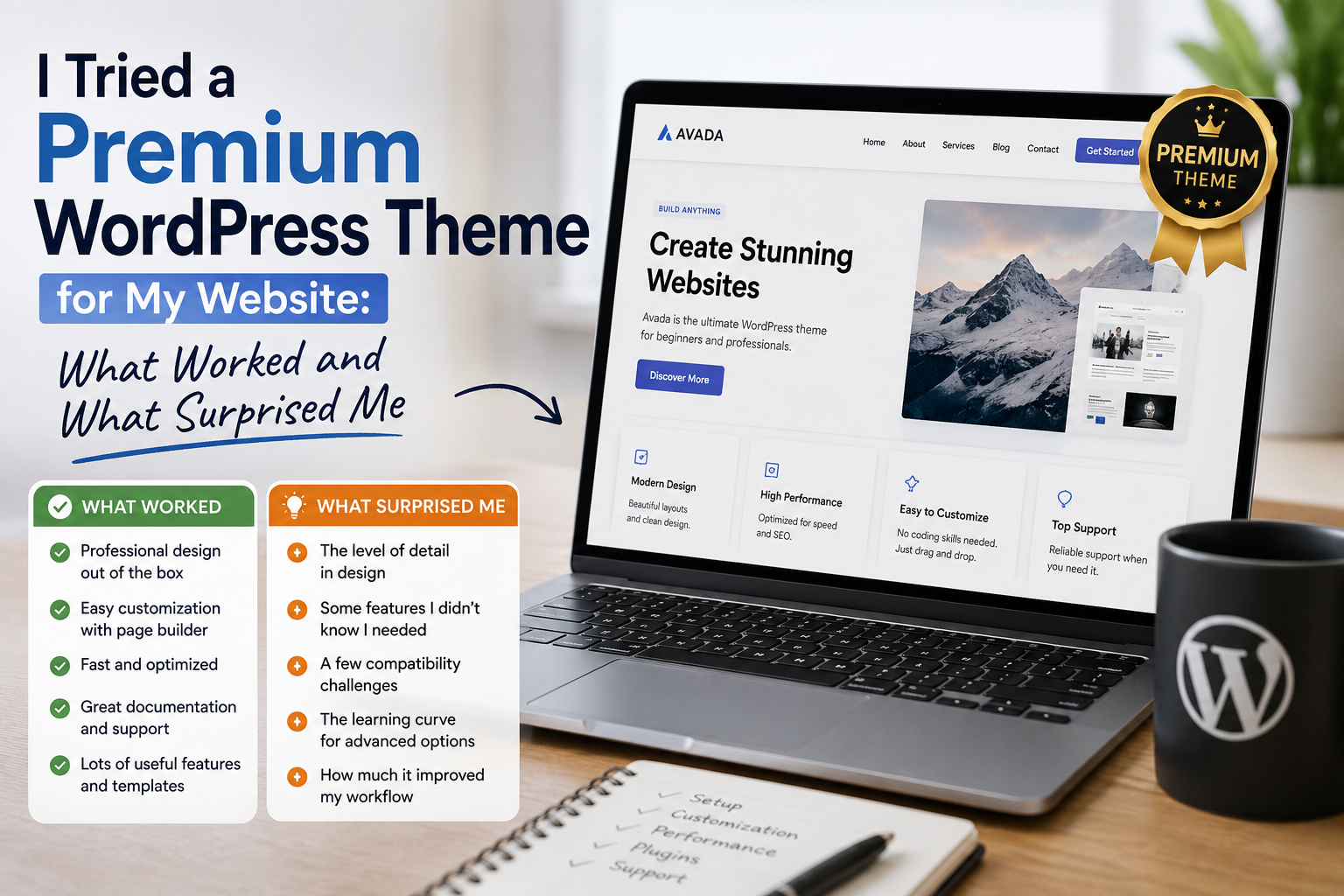
For a long time, I used free WordPress themes for most of my websites. They were easy to install, inexpensive, and generally good enough for getting a new project online.
Eventually, I wanted more flexibility.
I wanted a cleaner design, more customization options, better-looking layouts, and features that could save me time. That was when I decided to try a premium WordPress theme.
I expected the experience to be better simply because I was paying for it. What I discovered was more interesting. Some things genuinely improved my workflow, while other aspects reminded me that a premium theme is not automatically the perfect solution.
Why I Decided to Try a Premium Theme
My main reason for switching was customization.
With some free themes, I found myself spending considerable time adjusting layouts and trying to make the website look different from the default design.
The premium theme I tested offered more layout options, typography controls, header and footer settings, and additional design tools.
That immediately made the website feel more flexible.
WordPress itself explains that themes control much more than basic appearance. They can influence the visual presentation and certain behaviors of a website.
That matched my experience.
Installation Was Easier Than Expected
The installation process was surprisingly straightforward.
After downloading the theme package from the legitimate source, I uploaded the theme through the WordPress administration area and activated it.
WordPress officially supports installing themes through the administration interface, including uploading a ZIP file that has previously been downloaded.
The installation itself was not the difficult part.
The real work started after activation.
The Demo Looked Better Than My Website
This was my first big surprise.
The theme demo looked fantastic.
My newly activated website did not.
At first, I wondered whether I had installed the wrong theme.
Then I realized that a theme demo usually contains carefully prepared content, images, menus, widgets, and layout settings. My existing website had none of those things configured in exactly the same way.
This taught me an important lesson:
Never assume that installing a theme will automatically make your website look exactly like the demonstration.
The design provides the foundation. The final result depends heavily on how you configure and populate it.
Customization Was the Best Part
Once I started experimenting with the customization options, I understood why premium themes can be attractive.
I could adjust colors, fonts, layouts, menus, sidebars, headers, and other visual elements without manually editing every piece of code.
This saved me a considerable amount of time.
Instead of modifying files whenever I wanted a small design change, I could often use the available settings.
For someone managing a content-focused website, that convenience can be valuable.
Too Many Options Can Also Be a Problem
Ironically, the large number of options became one of the things that surprised me.
More choices do not always mean a better experience.
At first, I clicked through almost every setting because I wanted to understand what the theme could do.
There were options for layouts, typography, widgets, menus, headers, footers, and other elements.
Eventually, I realized that I was spending more time experimenting than actually working on my website.
I learned to focus only on the settings that solved a real problem.
Performance Still Matters
Another lesson was that a beautiful design is not enough.
I started paying attention to how the website performed after installing the theme.
A theme can add functionality, styling, scripts, and other resources. The overall performance of a website also depends on hosting, plugins, images, configuration, and content.
This made me realize that choosing a theme should involve more than looking at screenshots.
I now consider design, functionality, compatibility, updates, documentation, and performance together.
Compatibility With Plugins Is Important
My website already used several WordPress plugins, so compatibility was another consideration.
Most of the plugins worked normally, but I learned that themes and plugins are part of the same ecosystem.
Changing a theme can affect layouts, widgets, menus, forms, or other website elements.
That is why I would recommend testing a major theme change on a staging environment or backup copy when possible, especially for an established website.
Updates Became More Important
Using a premium theme also made me pay more attention to updates.
A theme is not something I want to install once and completely forget.
WordPress themes may receive updates for bug fixes, compatibility improvements, security-related issues, or new features.
The WordPress documentation notes that installed themes can receive updates when updates are provided by their authors.
I also became more interested in checking changelogs and documentation before applying major updates.
The Documentation Made a Difference
One feature I appreciated was having access to documentation.
When I could not understand how a particular feature worked, documentation was much faster than trying random settings.
This became one of the factors I would consider before purchasing another premium theme.
A theme can have hundreds of features, but good documentation can make those features much easier to use.
Would I Buy a Premium Theme Again?
Yes, but I would be more selective.
My experience showed me that a premium WordPress theme can save time and provide useful customization options, but the purchase should be based on actual website requirements.
I would look at:
- Design flexibility
- Compatibility
- Performance
- Update history
- Documentation
- Support
- Customization options
- Licensing terms
- Compatibility with the WordPress version being used
I would also avoid buying a theme simply because its demo looks impressive.
Where to Download WordPress Themes Safely
For free themes, I recommend starting with the official WordPress Theme Directory, where themes are reviewed against WordPress’s theme requirements.
Download WordPress Themes from the Official WordPress Directory
For a premium theme, download it from the developer’s official website or the authorized marketplace where you purchased the license. I would avoid “nulled,” cracked, or unofficial copies because you cannot reliably verify their code or whether they have been modified.